
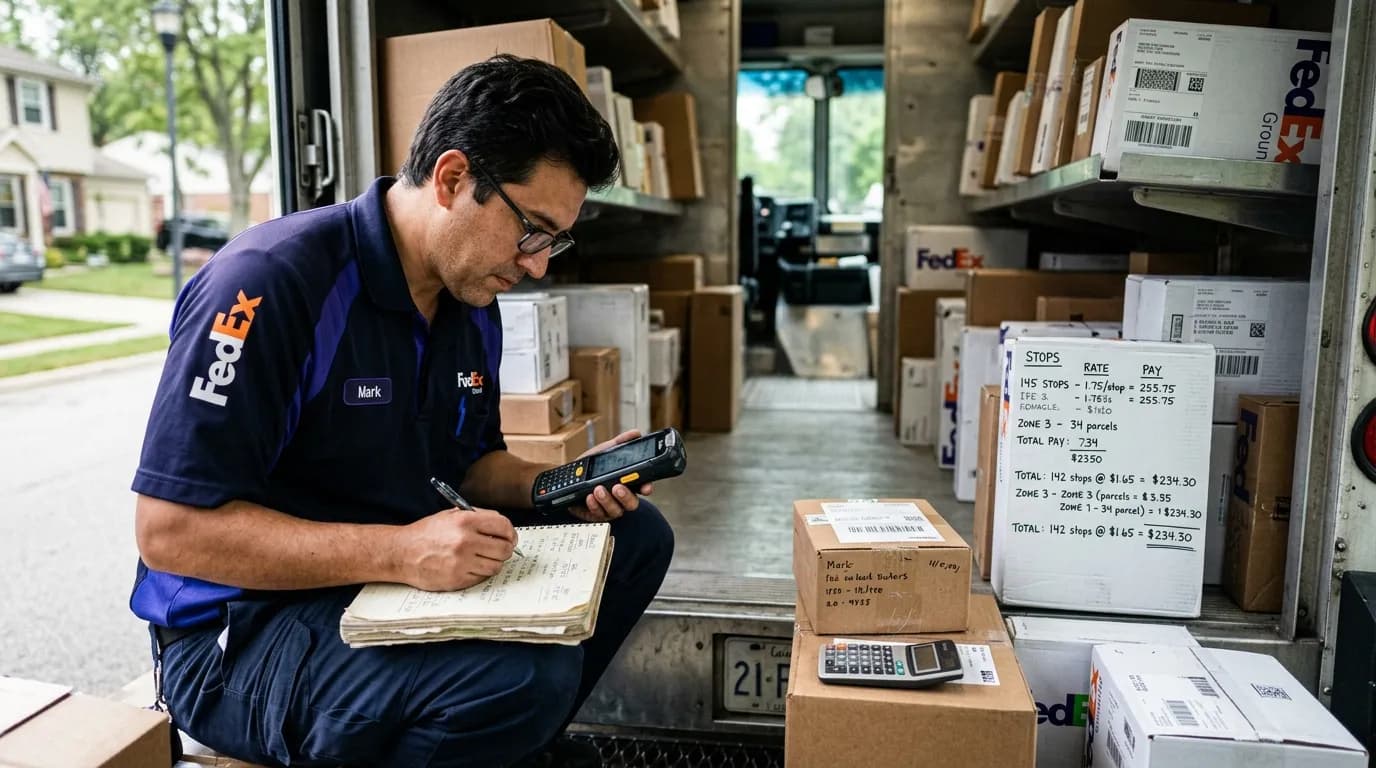
Why Per-Stop Pay Matters
Per-stop pay is the most common compensation model among FedEx Ground ISP (Independent Service Provider) contractors. Unlike hourly wages, per-stop pay ties driver earnings directly to productivity. When done right, it motivates drivers, simplifies payroll, and aligns costs with revenue. When done wrong, it leads to driver turnover, compliance headaches, and margin erosion.
Understanding how to calculate per-stop pay accurately is not optional — it is foundational to running a profitable delivery fleet.
The Basic Per-Stop Formula
At its core, per-stop pay is straightforward:
Daily Pay = Number of Stops Completed x Per-Stop Rate
But the devil is in the details. Here is what you need to define before setting your rate:
- What counts as a "stop"? Is it a unique address, a unique package, or a unique tracking number? Most ISPs define a stop as a unique address delivery attempt, but you need to be explicit.
- Do you count business stops differently? Business deliveries often involve more packages per stop and loading dock procedures.
- How do you handle re-attempts? If a driver returns to the same address due to an access problem, does that count as one stop or two?
- Are pickups included? Some ISPs pay a separate rate for scheduled pickups.
Factors That Should Influence Your Rate
Setting a flat per-stop rate without considering these variables is a recipe for problems:
1. Route Density and Geography
A route with 120 stops in a tight suburban neighborhood is very different from a rural route with 80 stops spread across 25 miles. Your per-stop rate should reflect:
- Average distance between stops
- Total daily mileage
- Urban vs. rural terrain
- Seasonal road conditions
2. Package Mix
Routes heavy with large, heavy packages (furniture, exercise equipment) take more time per stop than routes dominated by small parcels. Consider weighting your rate or adding a large-package surcharge.
3. FedEx Settlement Revenue
Your per-stop rate must be sustainable against your FedEx Ground settlement reports. If FedEx pays you an effective rate of $2.10 per stop after all adjustments, setting your driver rate at $2.00 per stop leaves almost nothing for vehicle costs, insurance, fuel, and overhead.
A healthy benchmark: driver per-stop pay should typically represent 55-65% of your per-stop settlement revenue.
4. Local Labor Market
Check what other ISPs and delivery companies in your CSA (Contracted Service Area) are paying. If Amazon DSPs in your area are offering $19/hour with benefits, your per-stop rate needs to translate to competitive daily earnings.
Step-by-Step Calculation
Here is a practical method to arrive at a fair per-stop rate:
- Pull your settlement data for the last 90 days. Calculate your average revenue per stop across all routes.
- Determine your target driver cost percentage. For most ISPs, this is 55-65% of per-stop revenue.
- Calculate the base rate. If your average revenue per stop is $2.20 and your target driver cost is 60%, your base per-stop rate is $1.32.
- Adjust for route difficulty. Add $0.05-$0.15 per stop for rural routes, high-package-count routes, or routes with difficult access (gated communities, apartments with no elevator access).
- Add bonus thresholds. Many ISPs pay a higher rate after a certain stop count. For example, $1.30 per stop for the first 100 stops, $1.50 per stop after that. This rewards high-volume days and peak season effort.
- Factor in a daily minimum. To attract and retain drivers, guarantee a minimum daily pay regardless of stop count — typically $140-$180 depending on your market.
Common Mistakes to Avoid
- Ignoring overtime implications. Even with per-stop pay, you may be required to pay overtime if a driver works more than 40 hours in a week. Track hours even if you pay per stop.
- Not adjusting for peak season. During peak (November-January), stop counts surge. If your per-stop rate stays flat, drivers are working harder for the same effective hourly rate when factoring in longer hours.
- Using one rate for all routes. A 90-stop rural route and a 150-stop suburban route should not pay the same per-stop rate.
- Failing to document the pay structure. Put your per-stop pay calculations in writing. Every driver should sign an acknowledgment of their pay rate and what counts as a stop.
How Technology Simplifies Per-Stop Payroll
Manually calculating per-stop pay from FedEx manifests and settlement reports is tedious and error-prone. A single transposed number can mean underpaying or overpaying a driver by $50+ per week.
Modern payroll platforms built for FedEx contractors automate this process by pulling stop data directly from settlement reports, applying your per-stop rates and thresholds, and generating accurate payroll in minutes instead of hours.
Setting Up Pay Thresholds
Many successful ISPs use tiered per-stop pay to incentivize drivers during high-volume periods. A typical threshold structure looks like this:
| Stop Range | Per-Stop Rate |
|---|---|
| 1-100 | $1.30 |
| 101-130 | $1.45 |
| 131+ | $1.60 |
This approach rewards drivers who push through heavy days and helps you manage cost predictably. For more details on configuring thresholds, read our guide on how to set up per-stop pay thresholds.
Final Thoughts
Per-stop pay calculation is not a set-it-and-forget-it exercise. Review your rates quarterly against settlement data, driver satisfaction, and market conditions. The ISPs with the lowest turnover are almost always the ones paying competitive, transparent, and accurately calculated per-stop rates.
If you are spending hours each week wrestling with spreadsheets to calculate per-stop payroll, FleetWage can automate the entire process — from settlement data import to paycheck generation. Schedule a demo to see how it works for your routes.